top of page
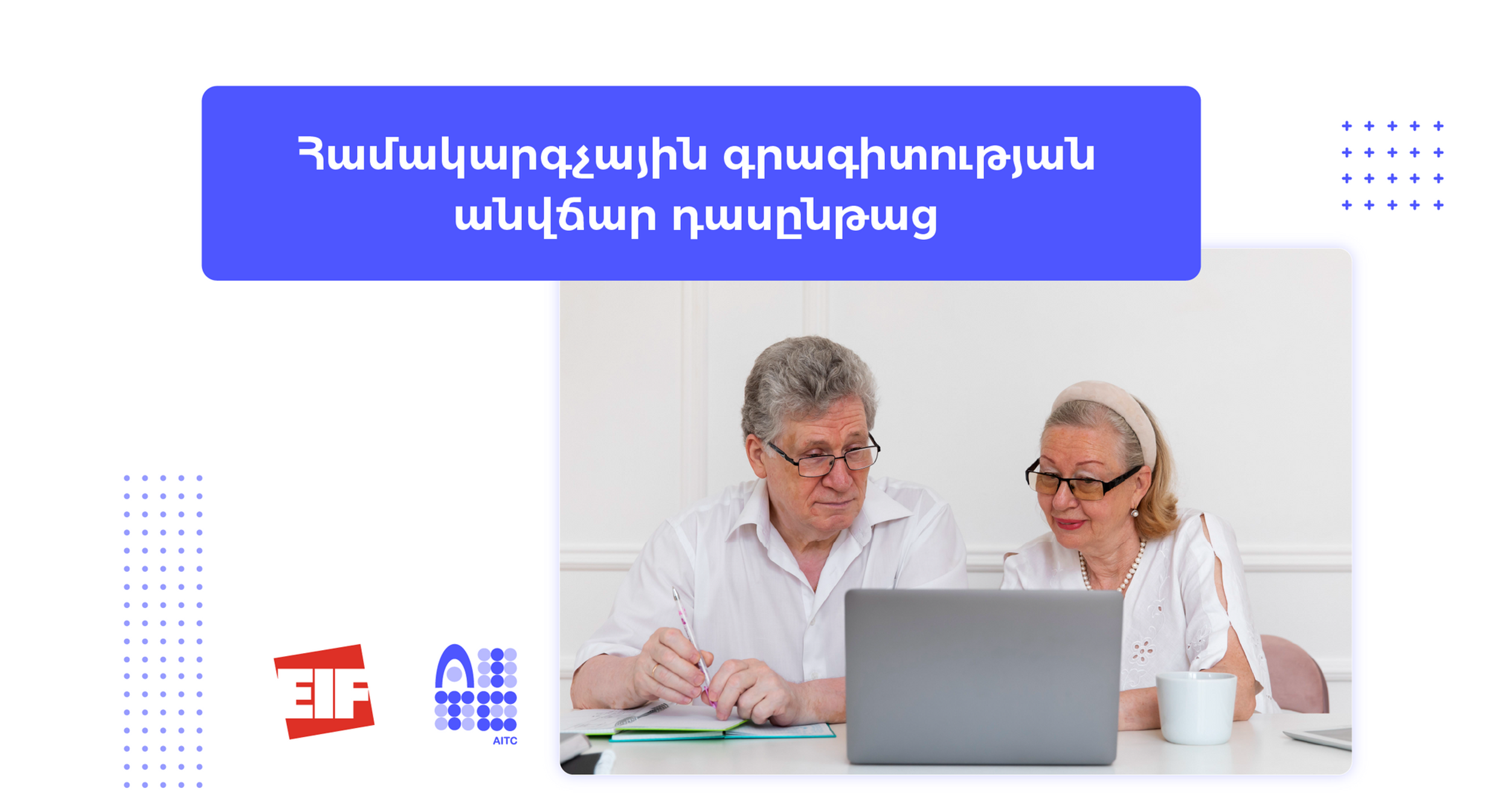
Basic Computer Skills for Elderly People I Social Program

DESCRIPTION

Our parents are wary of using computers and the internet, often because they have had no experience of them and think they are too old to learn how to use them. If they can master it, it can bring untold happiness to their lives. They can do the following using a computer by themselves:

  • Apply skills and concepts for basic use of computer (hardware, software, network, internet)
  • Communicate via email, social networking sites
  • Search and find the needed resources (books, videos, receipts, news, etc.)
  • Connect their friends and family at home on Skype

This is perfect training program for elderly people to learn basic computer skills they need in their everyday life. We believe that computer skills are absolutely necessary for elderly people in today's world!


TRAINING PROGRAM

Key topics include:

  • Basic Computer Skills
  • Basic Word/Excel Processing Skills
  • Basic Internet Skills
  • Basic E-Mail Skills
  • Media literacy

Please note: These course is designed for elderly people. 

Participants’ pre-requisites: No previous knowledge of computers is necessary. This basic computer skills course is designed for adult users who have little or no understanding, knowledge of, or experience in using a computer and would like the opportunity to learn with others in a supportive and encouraging environment.


THE PARTICIPATION IS FREE OF CHARGE 

Duration: 32 hours / 16 days / 2 hour per day


Basic Computer Skills for Elderly People I Social Program

AMD 0.00Price

    WHO CAN APPLY

    As the number of participants is limited. THE SELECTION WILL BE MADE ON THE “FIRST COME – FIRST SERVED” BASIS.
    In case of any question feel free to call us at +374 10/ 93/ 99 55 68 10 or just visit us.

    Our graduates work at

    Our Trainers

    image00008.jpeg

    Hayk

    Abelyan

    Trainer / JavaScript, Python, C++, SQL

    Screenshot_26.png

    Arthur

    Simonyan

    Trainer / Adobe AI&PS,
    3Ds MAX,
    Sketchup, After Effects

    11924200_125016937847547_3084580494427721265_n.jpg

    Siranush Tadevosyan

    Trainer / Interior Design

    Art_1.png

    Arthur

    Petrosyan

    Trainer / Linux OS

    Arshak Balayan.png

    Arshak
    Balayan

    Trainer / QA Fundamentals

    Anna.jpg

    Anna

    Petrosyan

    Trainer /
    QA Fundamentals

    Karen.png

    Karen

    Petrosyan

    Trainer / Java

    Ashkhen Ghazaryan

    Ashkhen Ghazaryan

    Trainer / JavaScript, 

    Web for Teens,

    Game Creation for Kids

    122456520_229062775217367_6133185362161189575_n.jpg

    Ani

    Asatryan

    Trainer / Web for Teens

    Hasmik Ayvazyan.jpeg

    Hasmik Ayvazyan

    Trainer / Coding for Kids

    Magi.jpg

    Margaret

    Baburyan

    Trainer / Business processes & Management

    robert.png

    Robert Tadevosyan

    Trainer / Network Technologies

    image00001 (6).jpeg

    Ruben Melkonyan

    Trainer / Basic Computer Skills

    Nane Matevossyan.jpg

    Nane

    Matevossyan

    Trainer / Digital Marketing

    Hovhannes Mkrtumyan

    Hovhannes Mkrtumyan

    Trainer / Robotics

    for Teens

    1687514198916.jpg

    Hayk

    Andreasyan

    Trainer / Graphic Designer

    299012220_3112397689052490_474619026209837365_n.jpg

    Gayane

    Simonyan

    Trainer / Coding for Kids,

    Robotics for Teens

    Elina Harutyunyan

    Elina Harutyunyan

    Trainer / Graphic Design

    Tirayr Karapetyan

    Tirayr
    Karapetyan

    Trainer / Python

    for Data Analysis

    VM_full.jpg

    Vardan Mnatsakanyan

    Trainer / Python

    for Data Analysis

    Yervand Galoyan.jpeg

    Trainer / DevOps

    Armen Melkonyan

    Armen Melkonyan 

    Trainer / Python

    for Data Analysis

    IMG_4264_edited.jpg

    Lena
    Soghoyan

    Trainer / Ai Specialist

    Thanks for submitting!

    Let's 
    Start 
    Learning

    bottom of page